OPNsense ISO

A free, open-source firewall and routing platform built on HardenedBSD for serious network protection. Start with the opnsense download ver26 mod10, flash the opnsense iso to your hardware, and gain enterprise-grade features — intrusion prevention, traffic shaping, VPN and high availability — without a license fee or subscription of any kind.

Key Features

Everything you need to defend, segment and monitor your network — shipped in a single open-source package.

Stateful Firewall Engine

OPNsense combines a stateful packet filter with pf's ALTQ traffic shaper, giving administrators fine-grained control over every flow that crosses the gateway.

Intrusion Prevention

Suricata runs inline on supported hardware, scanning traffic against emerging-threat rulesets so attacks are blocked before they reach the LAN.

Modern VPN Stack

WireGuard, OpenVPN and IPsec are configured through the same graphical interface, with site-to-site and remote-access wizards that actually make sense.

Fully Open Source

Published under the BSD-2-Clause license, the entire stack can be inspected, modified and self-hosted. No vendor lock-in, no surprise renewals, no per-user math.

High Availability

CARP-based redundancy pairs two appliances so a hardware failure is transparent to the network, with configuration that synchronizes automatically.

Polished Web Interface

Every rule, alias and dashboard lives inside a responsive, accessible interface that responds in milliseconds — no Java applets, no sluggish menus.

OPNsense firewall dashboard

Built for Production, Friendly for Homelabs

The opnsense iso installs in under fifteen minutes on commodity x86 hardware, turning a small silent box into a fully featured perimeter. Once running, the dashboard reveals live throughput, CPU temperature and active VPN tunnels at a glance, while the live log shows exactly which rule blocked the latest connection attempt.

Need more than the defaults? A curated catalogue of plugins adds intrusion detection, virus scanning, DNS filtering and bandwidth testing without ever leaving the GUI.

Our Story

Segment, Filter and Inspect Every Packet

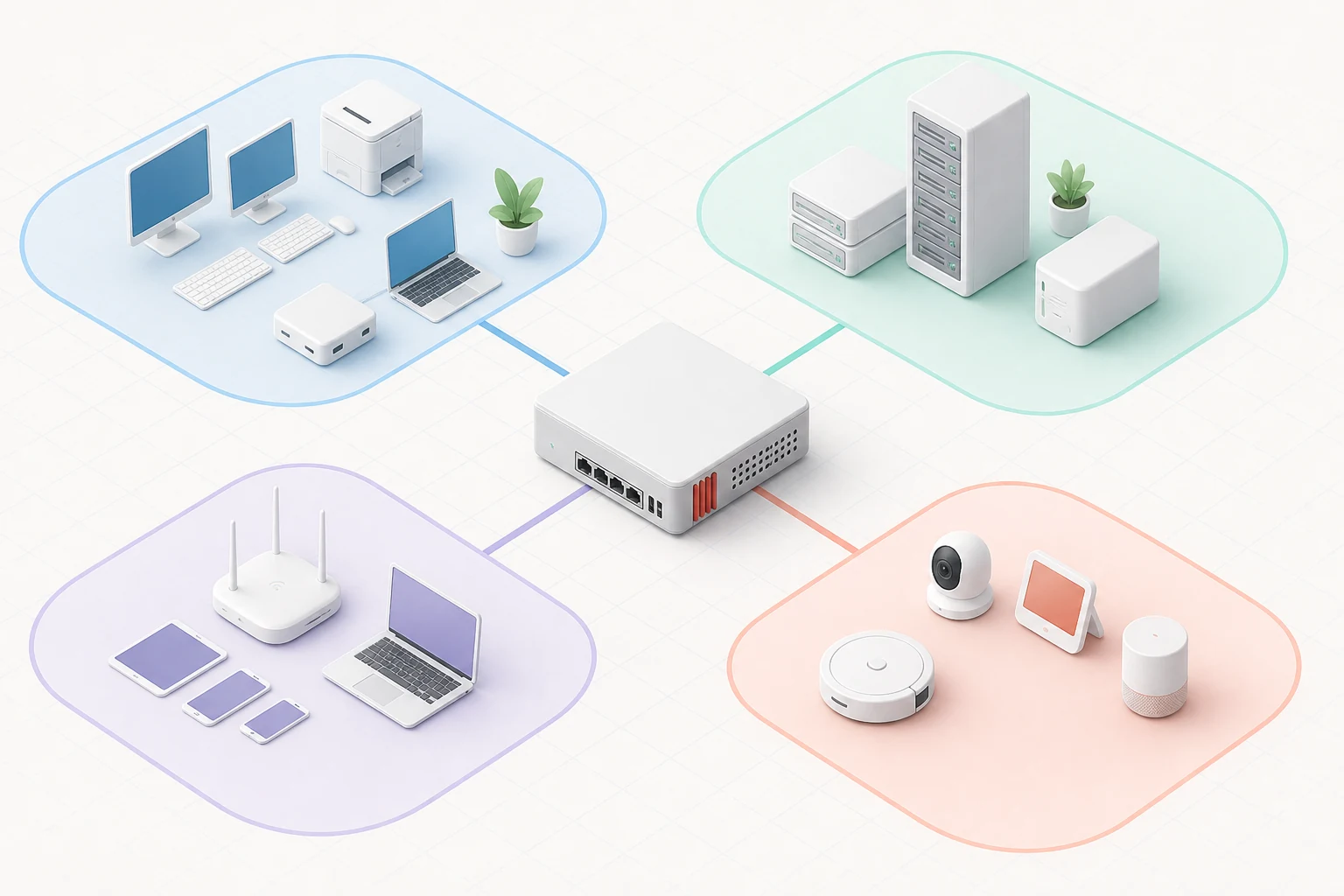
VLANs, bridges, captive portals and per-interface aliases let you carve a flat ISP link into trustworthy zones — guest Wi-Fi, point-of-sale, voice — with a separate rule set for each.

The proxy and web filter cache HTTPS inspection results and block malicious domains before the request even leaves the appliance, dramatically shrinking your attack surface.

Get Started

OPNsense network rules and traffic inspection

From the Guide

Practical articles to help you get the most out of OPNsense after your first opnsense download.

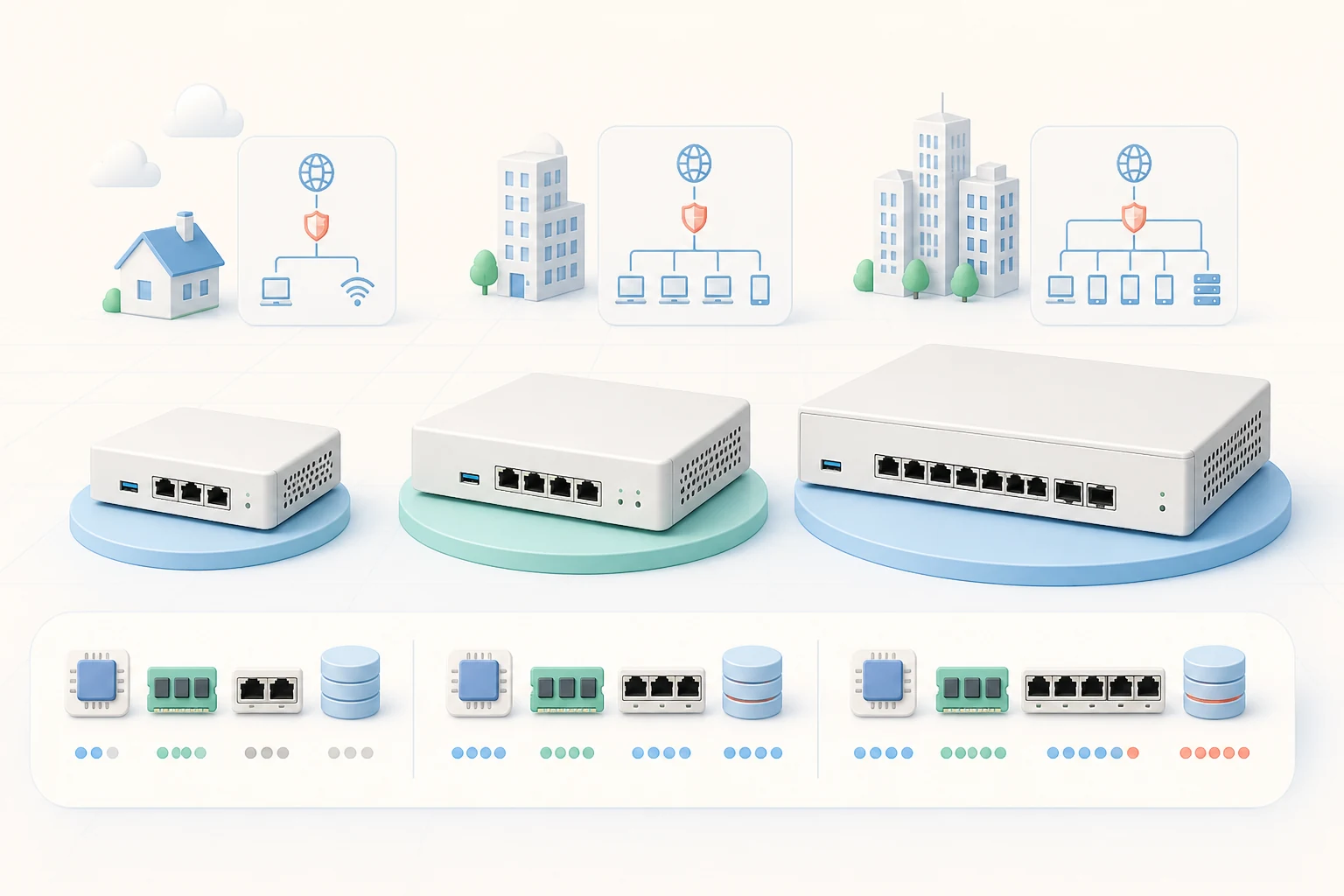
OPNsense hardware sizing and deployment guide

Choosing the Right Hardware for Your OPNsense Deployment

How to pick a CPU, NIC and SSD that keep your firewall fast on gigabit and multi-gigabit links.

Read More
OPNsense compared with pfSense

OPNsense vs pfSense: A Modern Firewall Comparison

Honest look at features, release cadence, security posture and community when you choose between the two.

Read More
OPNsense VLAN segmentation guide

Segmenting Your Network with OPNsense VLANs

Carve one physical link into trustworthy zones with VLAN interfaces, rules and DHCP per segment.

Read More

What Users Say

Network engineers, homelab enthusiasts and SMB admins run OPNsense every day. Here is what some of them report.

"Replaced our aging Watchguard with OPNsense on a fanless mini PC. Suricata caught a brute-force attempt the same afternoon — the dashboard told me exactly which rule fired."

JM
James Miller
Network Engineer

"WireGuard tunnels from the office to the home lab come up in seconds. I stopped chasing license renewals and started sleeping through weekends again."

SK
Sarah Klein
IT Manager

"The opnsense iso installed in about ten minutes on a spare NUC. Two VLANs and a guest captive portal were running before lunch — it really is that approachable."

RT
Robert Torres
Homelab Enthusiast

"Open source gave us full visibility into the firewall rule set — no more guessing what the appliance is doing behind the scenes. Audits became a non-event."

AL
Anna Lawson
Compliance Lead

"We replaced three per-seat licensed products with one open-source firewall. CARP redundancy between two boxes gives us the uptime our SLA promised."

DP
David Park
MSP Owner

"The weekly security feed is the real reason I switched. Vulnerabilities are patched faster than I can draft an email about them."

MW
Maria Webster
DevOps Lead

OPNsense vs Competitors

See how OPNsense ver26 mod10 stacks up against popular commercial and open-source firewall platforms.

Features OPNsense Sophos XG (Free) FortiGate (Free Tier)
Free and open source (BSD-2-Clause)
No licenses or subscriptions
Modern web interface (no Java)
Inline Suricata IPS
Native WireGuard support
Hardware failover (CARP)
Two-factor authentication built in
Weekly security updates

Frequently Asked Questions

Quick answers to the questions we hear most often about OPNsense.

OPNsense is a free, open-source firewall and routing platform built on HardenedBSD. It started as a fork of pfSense in 2014 and today ships with intrusion prevention, VPN, traffic shaping and high availability in a polished web interface that runs on almost any x86 hardware.

Yes. The opnsense iso is published under a permissive BSD license and costs nothing — for homelabs, schools and corporations alike. Optional commercial support subscriptions are available from Deciso, the company behind the project, but every feature works without one.

Modest hardware is enough: a 64-bit CPU, 1 GB of RAM and at least 8 GB of storage. Many users run it on a fanless mini PC or refurbished thin client. For multi-gigabit links you want a CPU with AES-NI, Intel QuickAssist or a recent AMD equivalent.

Absolutely. With a modern multi-core CPU and Intel or Intel-compatible network cards, gigabit line-rate is the norm even with Suricata enabled. Users regularly push 2.5G and 10G links with the right hardware — the project publishes reference platforms for every speed tier.

Yes. WireGuard, OpenVPN and IPsec are all built in. The web interface walks you through key generation, tunnel configuration and routing rules without requiring manual certificate scripts, and every type of VPN can run side-by-side on the same appliance.

Use the download button at the top of this page — it points you to the official mirrors that host the opnsense iso, the serial installer and the live DVD image. Always grab your copy from official sources so the cryptographic signature remains trustworthy.

They are two ways of getting the same software. The opnsense download is the umbrella term for grabbing the installer files, while the opnsense iso specifically refers to the bootable DVD image you flash onto USB or write to optical media to install the operating system onto bare metal.

In many small and mid-sized environments, yes — features that used to require expensive licences are first-class citizens here. VLAN routing, VPN, high availability, intrusion prevention and rich reporting all work out of the box. Larger enterprises sometimes keep a commercial edge device for vendor support, but OPNsense frequently becomes the trusted core firewall.

Start with our guide section, which covers hardware sizing, VLAN segmentation, VPN setup and high availability in plain language. The official forum and documentation are excellent next steps, and you can also reach us through the contact form.

Ready to Secure Your Network?

Start the opnsense download today and turn spare hardware into a professional firewall — with intrusion prevention, VPN and high availability included.