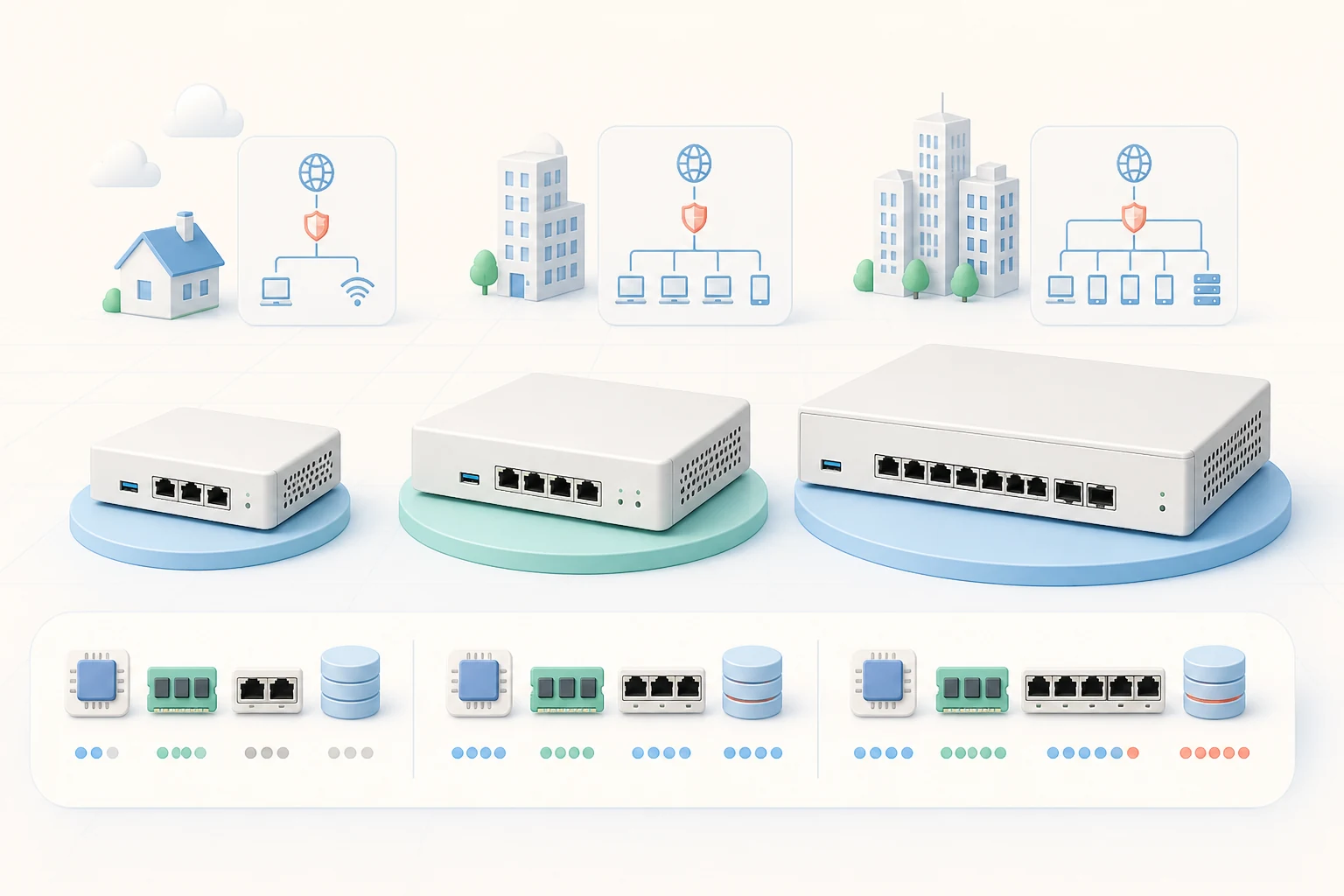
OPNsense will happily run on whatever spare machine happens to be sitting on your shelf, but the difference between a sluggish firewall and one that pushes multi-gigabit traffic without breaking a sweat comes down to a handful of careful hardware decisions. This article walks through the components that matter most, the trade-offs each one carries, and the reference platforms the community has settled on for every speed tier. Whether you are sizing a quiet home gateway or a redundant edge appliance for a busy office, you should finish this guide with a clear shopping list.
Start with the Internet Line You Actually Have
Before chasing benchmarks, take a realistic look at the WAN link your firewall will serve. A 300/300 Mbps fibre connection is a different conversation from a 5 Gbps symmetric line, and the hardware that feels snappy on the first will choke on the second. Match the appliance to the link, leave comfortable headroom for bursts, and remember that features such as intrusion prevention, VPN and traffic shaping consume CPU cycles you cannot budget for elsewhere.
- Up to 500 Mbps: any modern fanless mini PC handles this comfortably, even with Suricata enabled.
- 500 Mbps to 1 Gbps: a quad-core CPU with AES-NI keeps line-rate routing and IPS realistic.
- 2.5G and above: look for multi-core server-class CPUs, Intel or Chelsio 10G NICs and a careful look at PCIe lane allocation.
The CPU: More Cores, Strong Crypto, Sane TDP
OPNsense runs on HardenedBSD and FreeBSD, so its networking stack leans on hardware features that most x86 CPUs already provide. AES-NI is the single most important instruction set: it accelerates IPsec, WireGuard and OpenVPN by an order of magnitude compared to software fallback. Without AES-NI, even a fast eight-core chip will struggle to push a modest VPN tunnel beyond a few hundred megabits per second.
Cores matter too. Every firewall rule, every Suricata inspection thread and every queued packet can run in parallel, and a quad-core CPU is the sweet spot for most installations. Lower-power Intel Atom and Celeron parts are excellent for quiet home gateways; for office networks we usually reach for an Intel i3 or i5, or an AMD Ryzen embedded part that combines high clock speed with low power draw. Whichever chip you pick, make sure the motherboard exposes enough PCIe lanes for the network cards you intend to add.
Network Cards: Intel Is Still the Safe Bet
Drivers in FreeBSD catch up with mainstream hardware faster than the forums sometimes suggest, but Intel igb, em and ix network cards remain the most boringly reliable choice. They support checksum offload, TCP segmentation offload, RSS queue hashing and interrupt moderation, all of which OPNsense uses to keep latency steady under load. Avoid consumer Realtek chips for anything beyond a 1 Gbps link — they work, but their drivers ship out of tree and they often offload less than you expect.
For 2.5G and 5G links, Intel i225 and i226 controllers are well supported; for 10G, the dual-port SFP+ ixl cards are the de facto standard and they survive years of continuous service. Whatever you choose, dedicate one NIC per network segment so the firewall can keep its rule table small and its interrupt handling predictable.
Storage and Memory: Modest but Mind the Endurance
OPNsense logs a lot. Even a quiet home installation produces gigabytes of Suricata, filter and system logs over a year, and the operating system writes them to the system disk before rotating. A small SLC or MLC SSD rated for embedded workloads is enough; capacity rarely needs to exceed 32 GB unless you collect full packet captures. Add ECC memory if your platform supports it — firewalls that run 24/7 benefit from catching single-bit errors before they become corrupted log lines.
Skip spinning disks in any new appliance. SSDs draw less power, run cooler, and the latency they remove from log writes is felt on every dashboard refresh.
Form Factor and Power: Fanless, Silent, Reliable
Most OPNsense installations live behind a sofa, in a small wiring closet or above a ceiling tile, where fan noise is unwelcome and dust is a long-term killer. Fanless mini PCs with aluminium chassis dissipate enough heat for a 10–15W CPU; for anything hotter, a small Noctua fan on a slow curve keeps the system cool without filling the room with hum. Choose a vendor that ships a watchdog timer and an IPMI-style management port if you can — out-of-band console access pays for itself the first time a rule locks you out of the web interface.
Reference Builds Worth Considering
The OPNsense community maintains a public list of reference appliances on the project wiki, sorted by WAN speed and use case. Browsing it before buying is the fastest way to avoid mismatched hardware. Popular picks include the Protectli Vault series for fanless home builds, the Qotom and Topton mini PCs for low-cost branch offices, and refurbished Dell OptiPlex micro towers for small businesses that need ECC RAM and extra PCIe slots. For 10G and beyond, retired 1U Dell PowerEdge or HPE ProLiant servers, paired with an Intel X710 or Chelsio T5, deliver enterprise reliability at a fraction of the price they commanded new.
Planning Your First Deployment
Once the hardware arrives, the actual deployment usually takes an afternoon: boot from the download opnsense iso image, follow the console installer, assign WAN and LAN interfaces, and connect over the web GUI. Take the time to update to the latest business release before applying any configuration, and snapshot your appliance once the rules and VLANs are exactly how you want them — that snapshot will save you an hour when an experiment goes sideways.