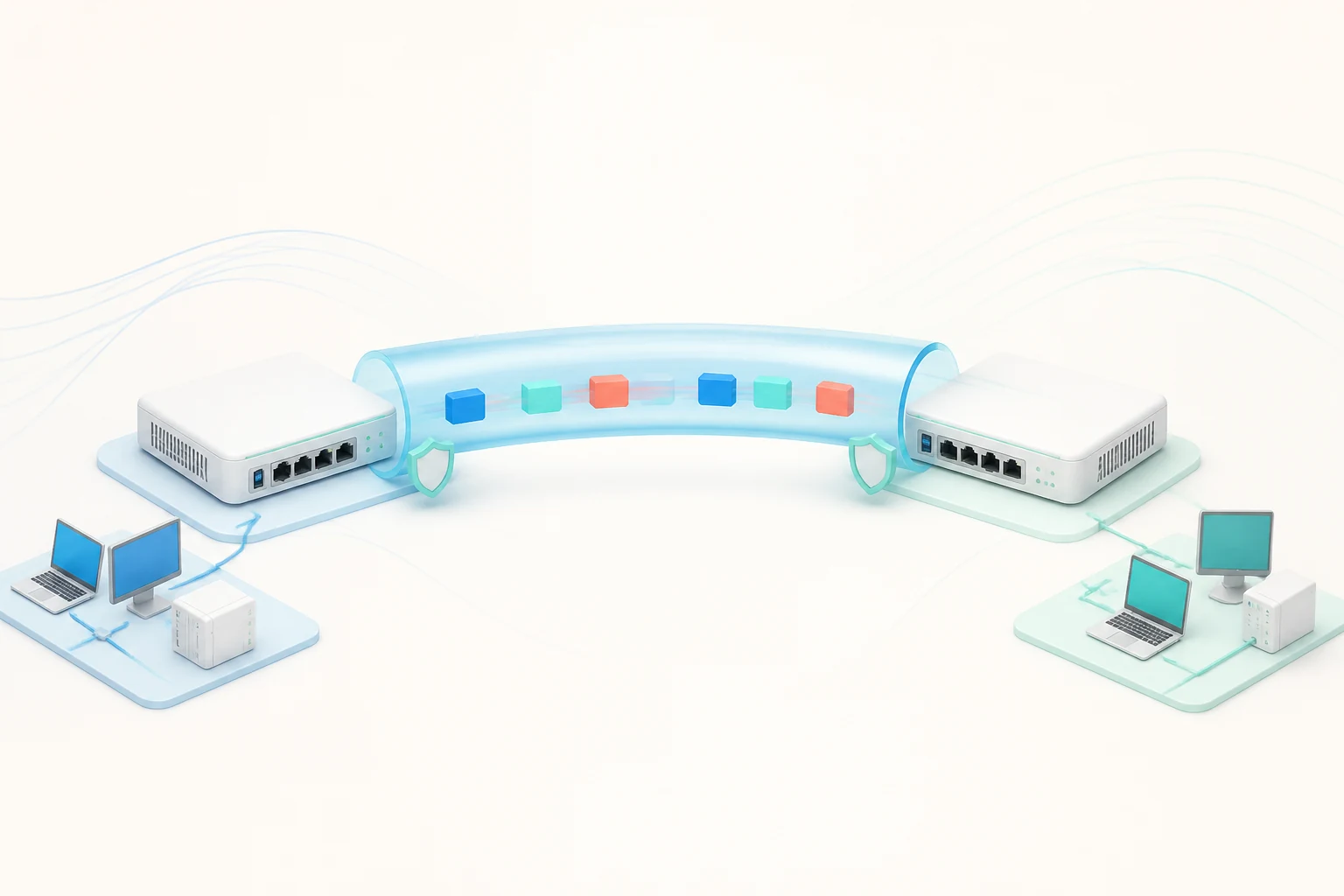
WireGuard has reshaped what an open-source VPN can be. Its tiny codebase, modern cryptography and lean handshake make it faster than IPsec and noticeably simpler than OpenVPN, while remaining auditable by anyone with an afternoon and a cup of coffee. OPNsense treats it as a first-class citizen: the plugin walks you through the entire configuration in the web interface, integrates cleanly with the firewall rule set and lets you mix site-to-site and remote-access tunnels on the same appliance. This article explains the design choices, walks through the wizard and shows you how to keep the tunnels healthy once they are running.
Why WireGuard Fits So Well on OPNsense
The HardenedBSD kernel in OPNsense ships with the WireGuard driver compiled in, which means there is no module to load, no userspace helper to babysit and no compatibility layer between the cryptographic primitives and the network stack. Every byte of payload flows through the kernel, the handshake is handled in the same place, and the overhead stays low enough that even a fanless mini PC can saturate a gigabit uplink. For an open-source firewall that prides itself on running on modest hardware, that combination is genuinely compelling.
Configuration is the other half of the story. Because every tunnel needs exactly two peers and one shared secret, the wizard never asks you to manage certificate authorities, group keys or per-user credentials. The result is fewer moving parts to misconfigure and an audit trail that reads like a phone book rather than a stack of PKI documents.
Planning the Tunnel Topology
Before touching the wizard, sketch the topology. WireGuard supports two common shapes on OPNsense: a single site-to-site link between two offices, or a hub-and-spoke layout where many remote devices connect back to a central firewall. The hub-and-spoke approach works well for homelabs and small businesses that want remote workers to reach internal resources without exposing them directly to the internet. For branch offices that simply need to see each other, a flat mesh of site-to-site tunnels is usually cleaner.
Address planning is the detail that catches everyone eventually. Every WireGuard interface needs its own subnet, and the chosen addresses must not collide with anything routed elsewhere on the firewall. A common pattern is to use 10.10.10.0/24 for the WireGuard link itself and overlay that on existing VLAN ranges — 10.0.20.0/24 at the main site and 10.0.30.0/24 at the branch, for example. With that plan in hand, the wizard has every value you need before you open the page.
Step-by-Step: Site-to-Site in the Web Interface
Start by enabling the plugin from System → Firmware → Plugins, then install os-wireguard. A new VPN → WireGuard menu appears. Add a local instance, give it a tunnel address inside your chosen subnet, set the listen port (51820 is the default) and copy the public key the wizard generates. The corresponding remote instance, configured on the other side, gets its own public key in return. Two minutes of pasting and your handshake is in place.
The next step is the firewall. Add an interface assignment for the new WireGuard instance, allow traffic to the destination network and, if you use VLANs, restrict the rules to the relevant tags. Because the wizard creates a real interface, all of OPNsense's normal diagnostics apply: live log, packet capture and traffic graphs all work without extra plugins.
Step-by-Step: Remote Access for Road Warriors
For remote-access tunnels, the wizard offers a per-user peer mode. Generate a keypair on the road-warrior device — every WireGuard client ships with `wg genkey` and `wg pubkey` — paste the public key into a new peer entry and assign a tunnel address from the same subnet plan. The user configures their client with the firewall's public IP, the listen port and the matching private key, and the handshake completes automatically. Most teams we work with have a new remote user online within ten minutes.
For larger fleets, keep a single peer template and adjust only the IP and public key. This is where OPNsense's aliases and rule groups earn their keep: a single firewall rule referencing the WireGuard alias applies to every road warrior, so adding a new user does not require any changes to the rule set.
Throughput, NAT and Routing Tricks
Performance on modern hardware is excellent: a quad-core CPU with AES-NI pushes WireGuard comfortably past a gigabit. If you find throughput disappointing, check that the underlying NIC supports the right offloads and that the firewall rule set is not doing a deep inspection on every encrypted packet. Suricata in particular is happy to look at WireGuard metadata, but deep packet inspection on the encrypted payload obviously cannot work — so let those flows bypass the IPS with a rule that excludes the WireGuard interface.
NAT is rarely needed on WireGuard tunnels because every peer sits in its own subnet, but it occasionally helps when one site uses an overlapping address range. Outbound NAT on the WireGuard interface gives you a quick fix without changing the underlying topology. For most setups, however, a clean subnet plan and a couple of static routes are enough.
Troubleshooting the Common Pitfalls
The first thing to check when a tunnel refuses to come up is the handshake. Open Diagnostics → WireGuard and look at the peer status — if the "latest handshake" timestamp stays at zero, the two sides are not negotiating keys. Nine times out of ten the cause is a firewall rule on the upstream provider blocking UDP 51820, or a NAT device upstream that requires an explicit port-forwarding entry. Switch to a non-standard port temporarily to confirm the theory.
If the handshake completes but no traffic flows, the next suspect is routing. Confirm that the WireGuard subnet is added to the routing table on both sides, that firewall rules on the LAN interface allow traffic to the WireGuard addresses and that return paths exist for the packets to come back. The `wg show` command on a UNIX peer or the WireGuard Windows client will tell you exactly how many bytes have crossed the interface, which is invaluable when troubleshooting.
Where to Go Next
Once a single tunnel works, growing the topology is mostly a matter of repeating the steps above. The web interface keeps the configuration readable, and because every peer is its own row, the audit story stays simple. For a deeper exploration of multi-site failover, combine WireGuard with the high availability configuration covered elsewhere in this guide — the combination gives you a firewall that is both geographically distributed and cryptographically modern. If you are just getting started, take an afternoon, complete your own opnsense download, and bring up a single WireGuard tunnel between two laptops before you wire your production network. The learning investment pays back every time you avoid a support call.