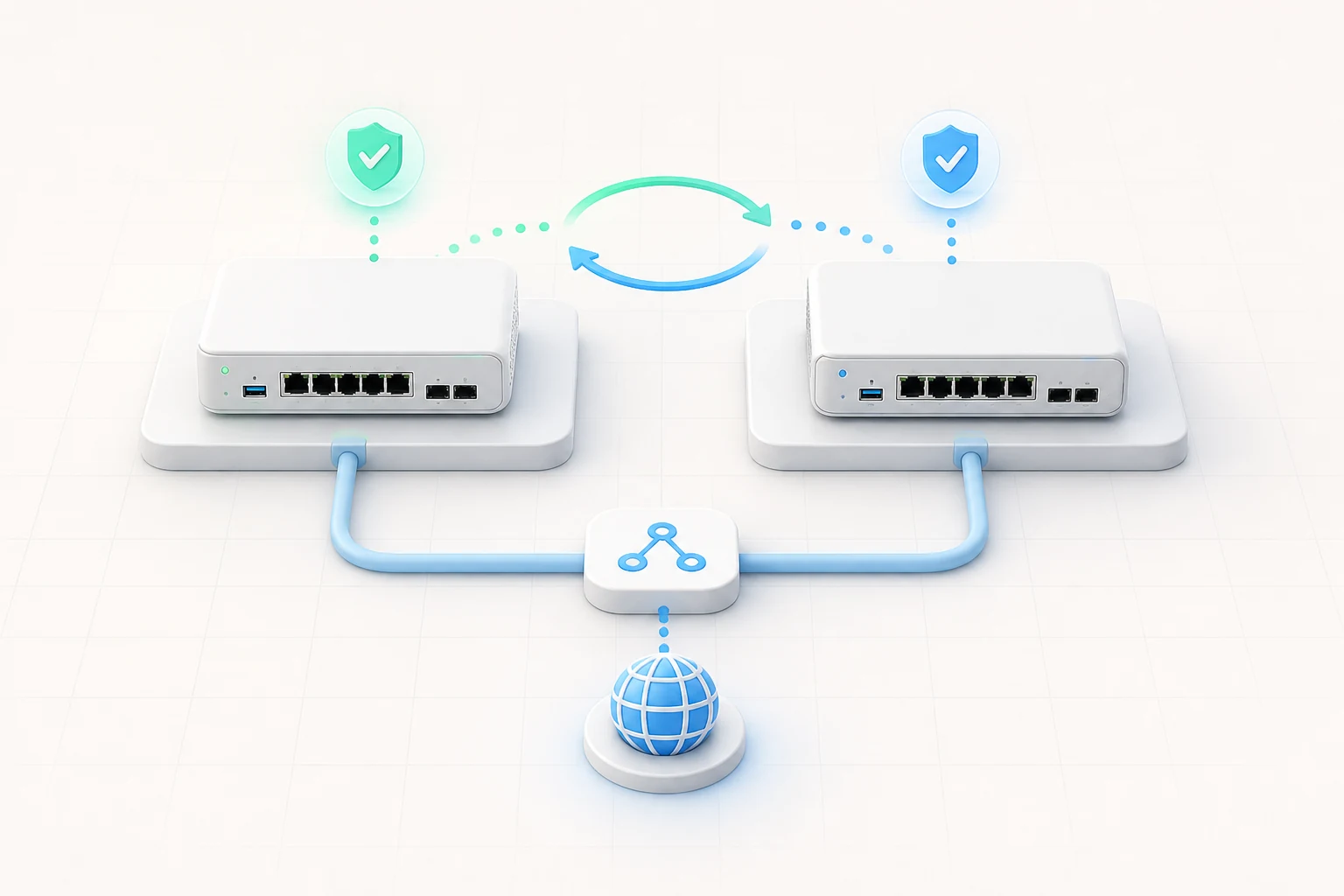
Every firewall eventually fails. The disk wears out, a power supply dies, a firmware update goes wrong, a kernel panic interrupts a maintenance window — pick your favourite disaster, it is only a matter of time. The question is not whether the firewall will fail, but whether anyone will notice when it does. CARP, the Common Address Redundancy Protocol, is the open-source answer that OPNsense has refined for years. Two identical appliances share a virtual IP, one stays master, the other stays ready, and traffic continues to flow even when the master disappears. This article explains how the protocol works, how to design a healthy cluster and how to test the failover before you ever need it for real.
Why Two Firewalls Beat One
A single firewall is a single point of failure. Even a perfectly configured appliance cannot protect the network when its power supply dies, its storage controller fails or its administrator needs to apply a critical patch without warning. A redundant pair changes the calculus: scheduled maintenance becomes a controlled takeover, unplanned hardware failures trigger a sub-second failover, and the worst-case scenario drops from "everyone is offline" to "one switch blip and nobody notices".
Redundancy also pays dividends beyond emergencies. You can reboot one node while the other carries traffic, run kernel updates with a fallback path ready, and stress-test new configurations on the standby without affecting production. For a small business that does not have a 24/7 network operations centre, this operational flexibility is often more valuable than the rare disaster itself.
How CARP Works in OPNsense
CARP is a layer-2 protocol that lets two or more hosts share a single virtual IP and MAC address. The nodes announce themselves with heartbeats; whichever node advertises the lowest base skew and the highest priority becomes the master and answers ARP requests for the shared address. When the master stops sending advertisements, the remaining nodes take over within a couple of seconds and start responding on the same IP — clients notice nothing beyond a brief pause in new connections.
OPNsense extends the basic protocol with two important extras. The configuration synchronisation daemon, enabled per section, keeps firewall rules, aliases, NAT entries and DHCP leases identical on both appliances; you configure one side and the change propagates within a second. The XMLRPC sync interface even handles firmware updates when the right options are enabled, so both nodes stay on the same release without manual coordination.
Hardware for a Healthy Cluster
The cardinal rule of any CARP cluster is that the two nodes should be as similar as possible. Identical CPU, identical NICs and identical storage eliminate the surprises that come from asymmetric performance: a faster master that boots before the backup during a power restoration, a NIC driver mismatch that prevents one node from seeing the heartbeats, or a slower disk that delays boot long enough to trigger a split-brain. Aim for off-the-shelf appliances from the same vendor, and consider buying a third unit that lives on a shelf as a cold spare for the day one of them truly fails.
Network layout matters too. Each firewall needs at least three interfaces: WAN, LAN and a dedicated synchronisation link on a crossover cable or a private VLAN. The sync link carries the XMLRPC traffic and the CARP heartbeats, isolating it from end-user noise and keeping the cluster decision-making deterministic even when the WAN is saturated. A small IPMI or management port on each appliance adds out-of-band console access for the moments when both nodes need to be diagnosed at once.
Configuring CARP Step by Step
Begin by bringing up both appliances with the opnsense iso image and giving each a unique management address on the sync network. Assign the WAN and LAN interfaces identically on both nodes, then go to Interfaces → Virtual IPs → Settings on the master and add a CARP address for each shared subnet. The skew defaults are fine; assign different priorities so the operator knows which side is the master and which is the standby.
On the standby node, repeat the same Virtual IP entries — CARP keeps a record of the virtual IPs through configuration synchronisation, so a careful order of operations is important. Add the sync peer under System → High Availability → Status, point it at the master IP, and enable synchronisation for the sections you want mirrored (rules, NAT, aliases, DHCP, certificates). After a few seconds, the standby dashboard should show "BACKUP" while the master reports "MASTER".
Synchronisation: What to Mirror and What to Skip
Synchronisation saves time but it is not free. The default settings mirror every configurable section, which is the right starting point for most installations; later, you may want to exclude sections that differ intentionally, such as local user accounts used only by the on-call engineer. Document the choice in a runbook so the next administrator inherits a cluster whose behaviour matches its documentation.
Watch the synchronisation log during the first week. Every change you make on the GUI should produce a corresponding entry on the standby node; if it does not, the cluster has drifted and a manual resync is required before the next maintenance window. Most of these issues come from a forgotten reboot after enabling a new service, and a quick bounce of the standby restores harmony.
Testing Failover Before Production
A cluster that has never been tested is a theory, not a plan. Run three drills on a quiet weekend: pull the WAN cable on the master, reboot the master cleanly, and finally crash the master with a forced kernel panic. Each scenario should leave the standby in the MASTER state within a couple of seconds, with active sessions either surviving (for stateful services) or reconnecting gracefully (for stateless ones). Time how long each failover takes; ten seconds is excellent, thirty seconds is acceptable, anything longer warrants an investigation.
Failover tests should be on the same calendar as backups. A schedule you actually run is the only one you can trust when an outage hits at 3 a.m.
When CARP Is Not Enough
CARP protects against the failure of one node. It does not protect against upstream provider outages, electrical failures in a single rack or mistakes made simultaneously on both appliances. For those scenarios, layer in a second WAN connection from a different provider, place the two appliances in separate racks fed by separate UPS units, and apply configuration changes on the standby first so you can roll back if anything goes wrong. The defence-in- depth mindset that gave us VLANs and segmentation applies just as well to the firewall pair itself.
Maintaining the Cluster Long Term
Treat the pair as a single system with a shared calendar. Apply firmware updates on the standby, fail over the master, apply the same update to the now-standby, fail back and verify. Once a quarter, run the failover drills again and check that the synchronisation state is healthy. Once a year, replace the firmware on the IPMI controller and confirm that out-of-band management still works. None of this takes more than an afternoon, and the habit pays back the first time a real outage hits.